


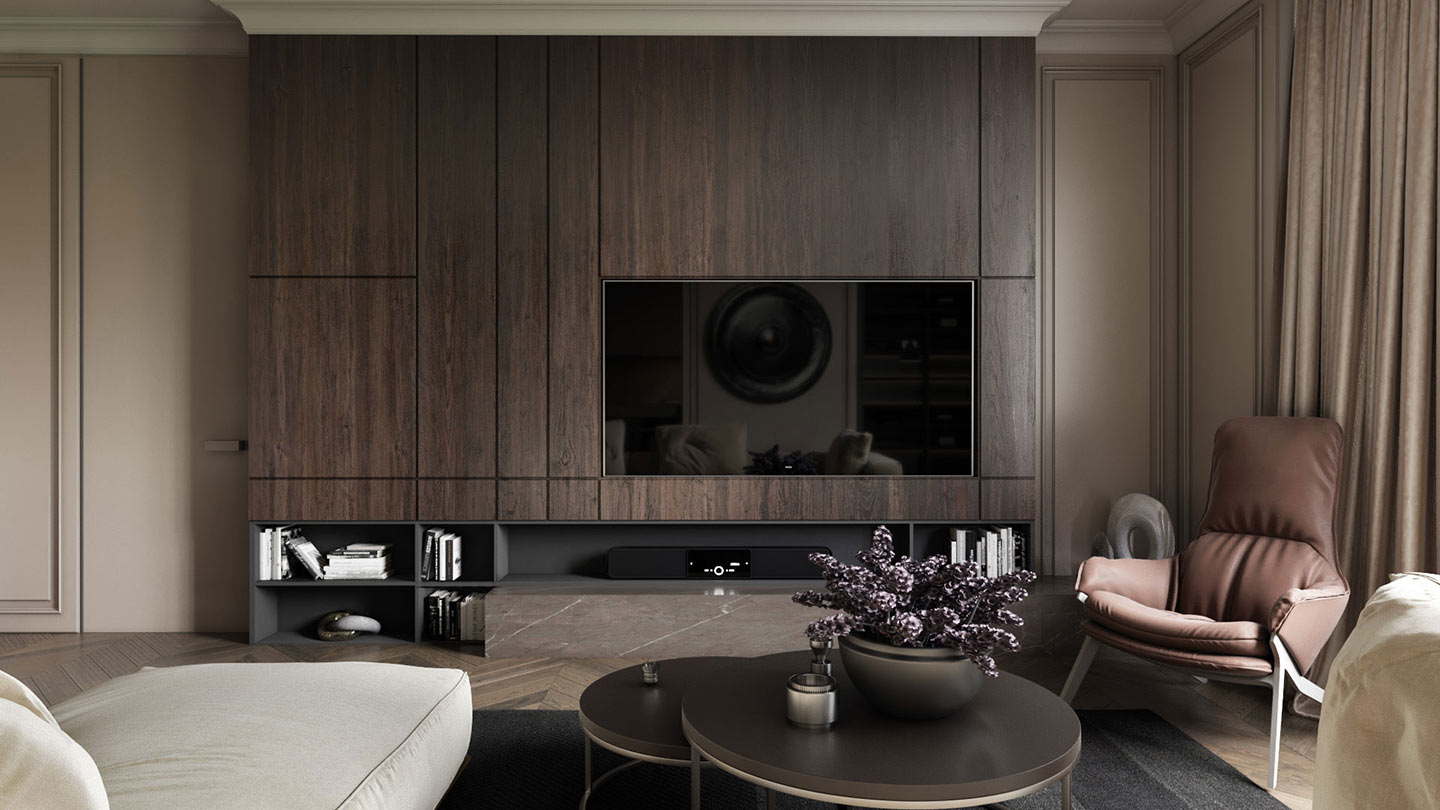
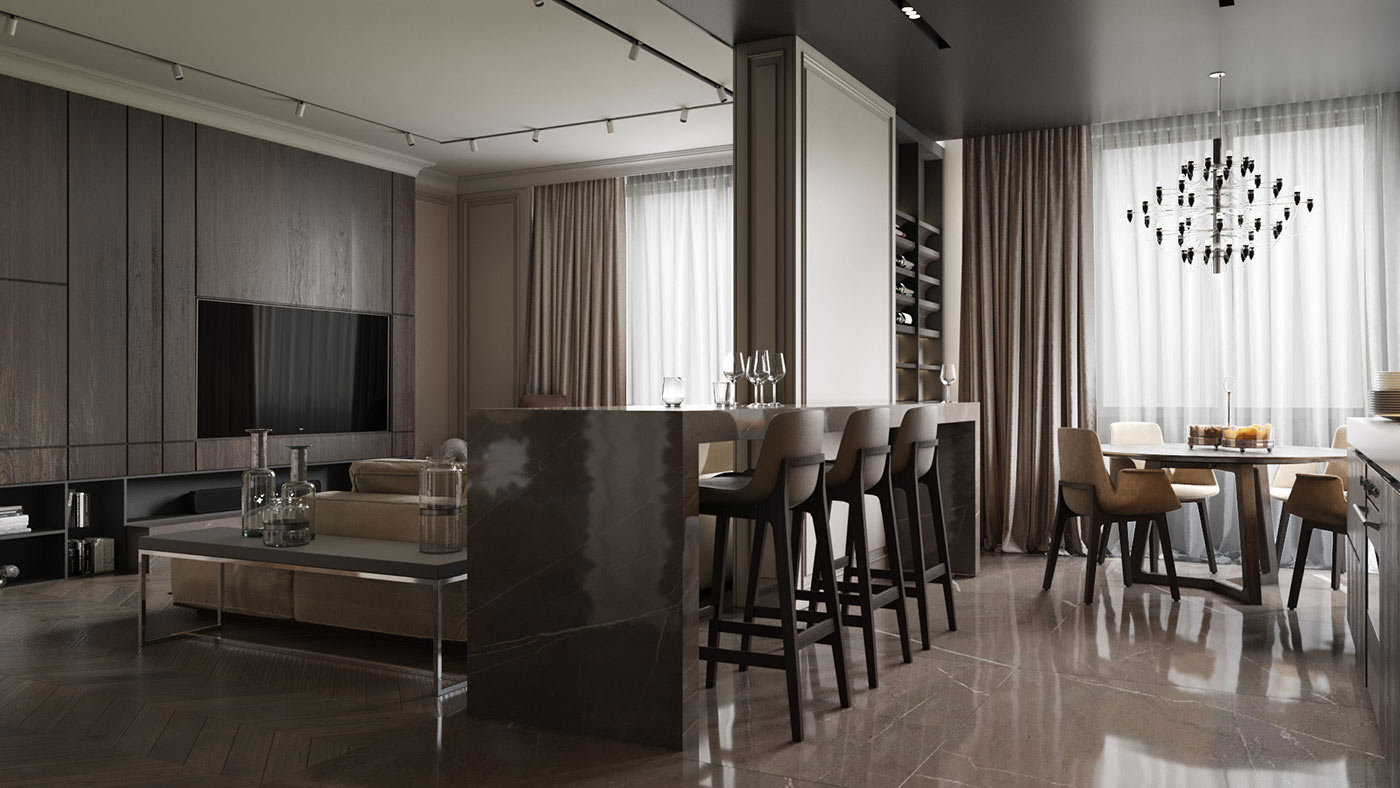
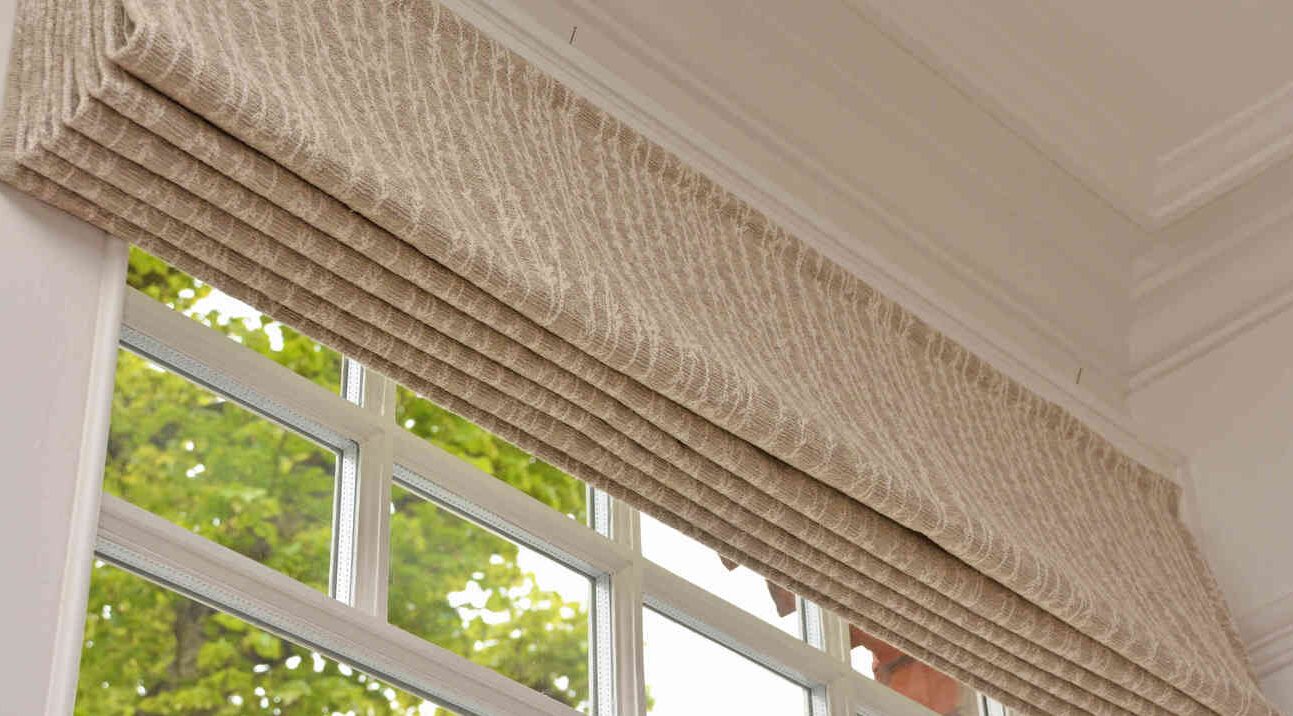
When it comes to design, texture often gets overlooked in favor of color, layout, or typography. But in reality, texture plays a crucial role in how we experience a space or a visual composition. It’s what makes a room feel inviting or a webpage feel dynamic. Whether physical or digital, texture adds a layer of emotional depth that can elevate any design from ordinary to unforgettable.
What is Texture in Design?
Texture in design refers to the surface characteristics of a material or element—how it feels and how it looks. In physical design, this might be a rough stone wall or a soft velvet cushion. In digital design, it could be a subtle grain overlay or a layered shadow that gives depth to a button or image. Understanding both tactile and visual textures is key to creating designs that resonate with people on a sensory level.
Popular Types of Texture in Modern Design
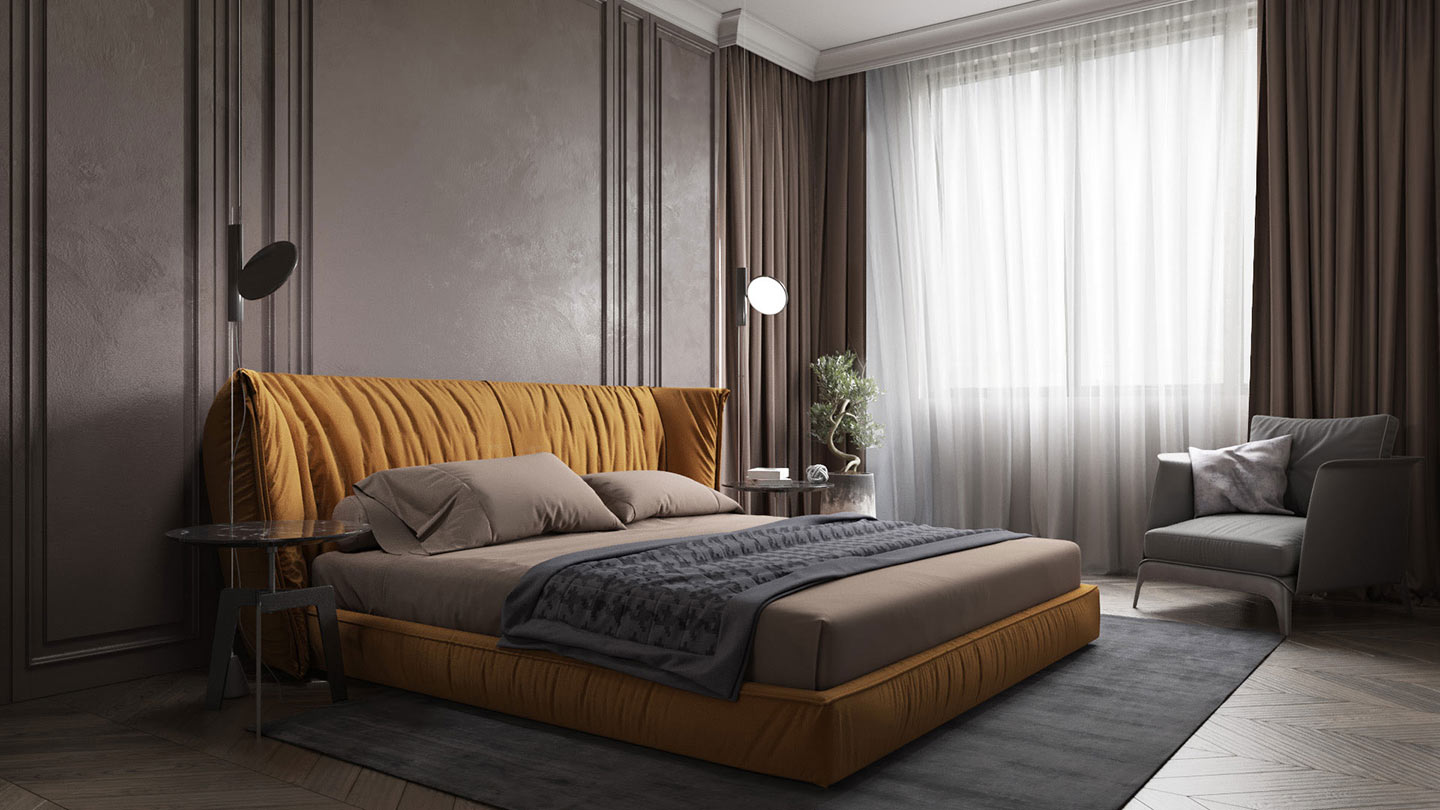
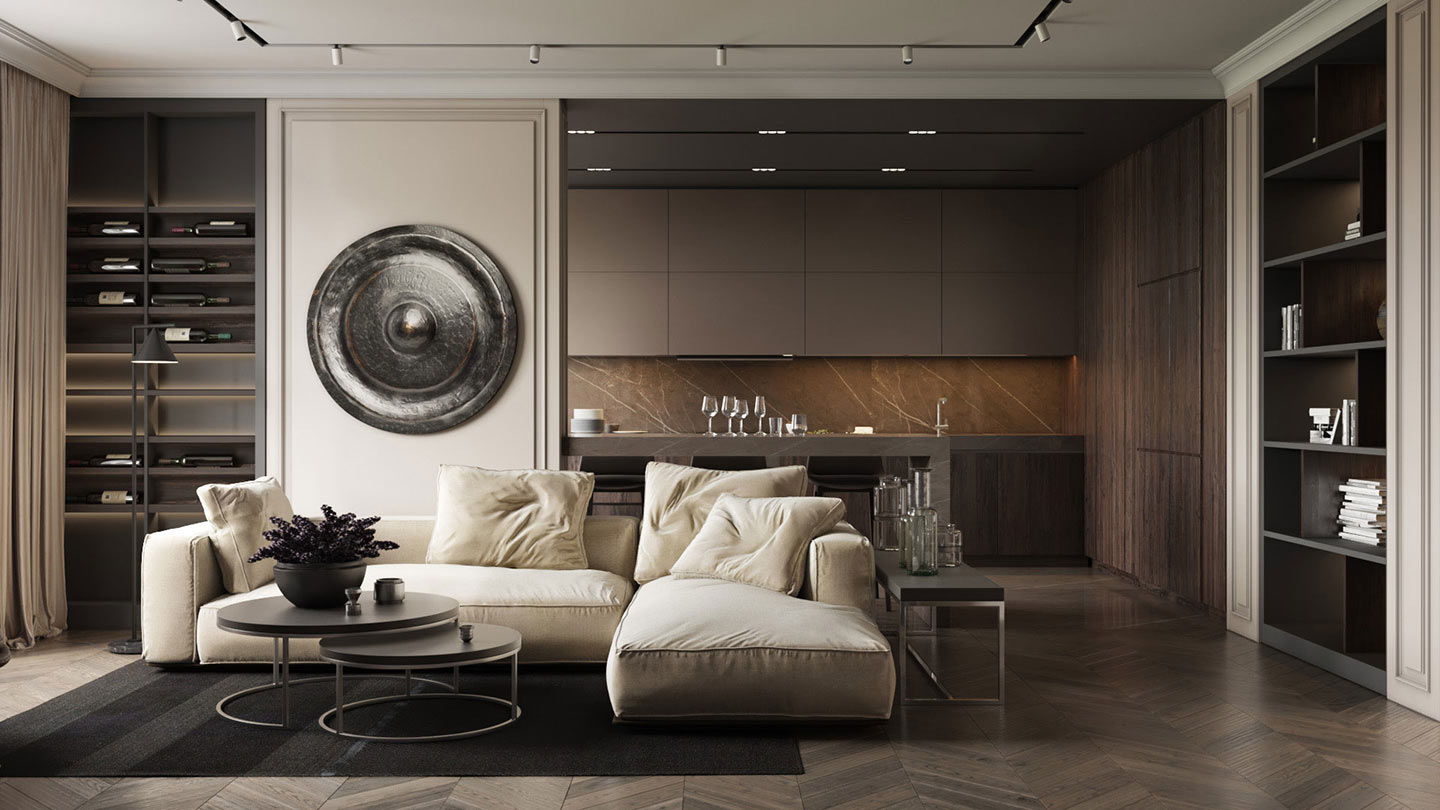
Design trends are constantly evolving, but certain textures have stood out in recent years for their ability to create distinct visual experiences. Natural textures like wood, linen, and stone are popular in home decor for their warmth and authenticity. Metallic finishes, on the other hand, add a contemporary and luxurious feel. In digital design, textured overlays and layered effects are used to create immersive interfaces and visual interest without overwhelming the user.
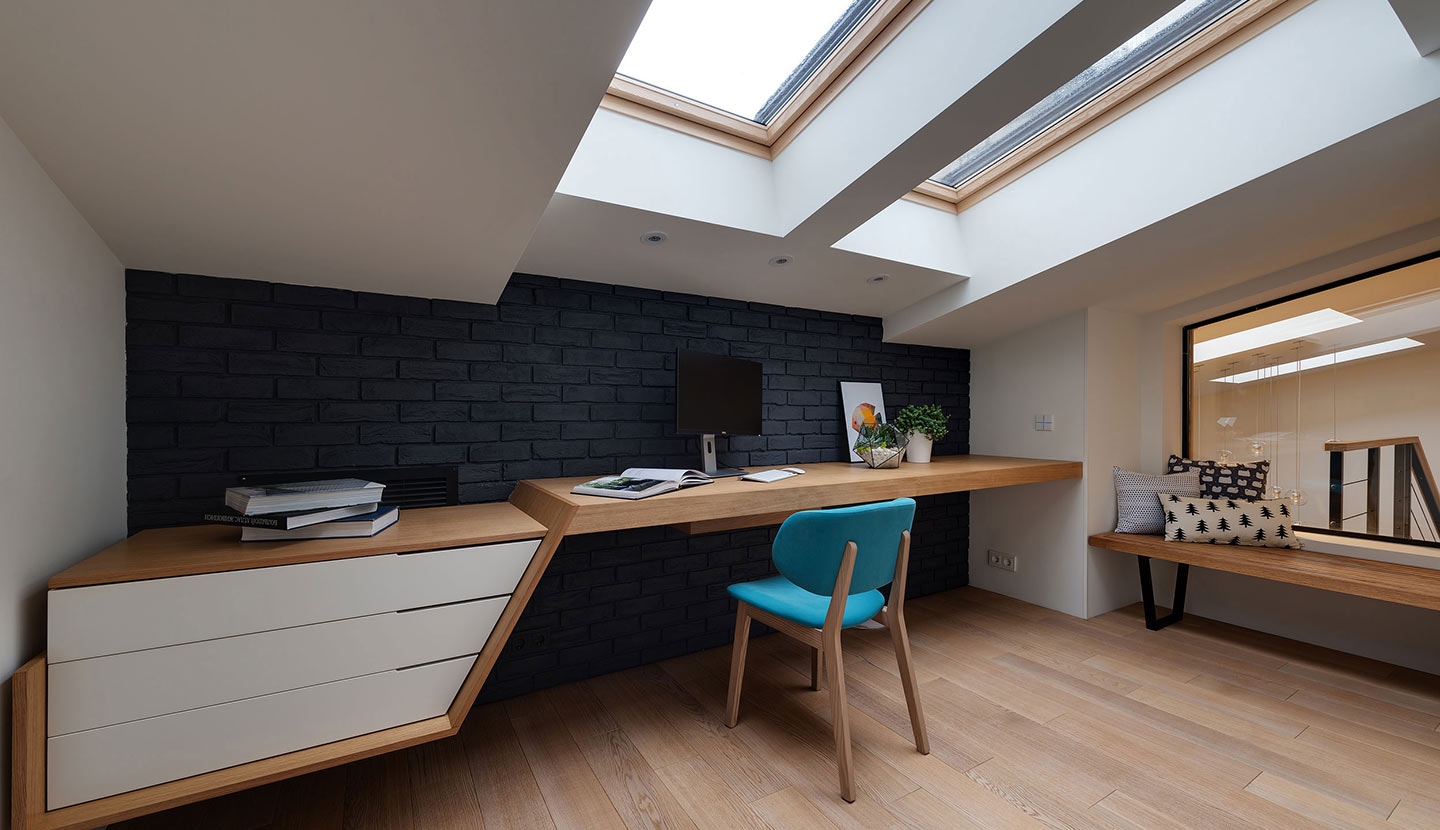
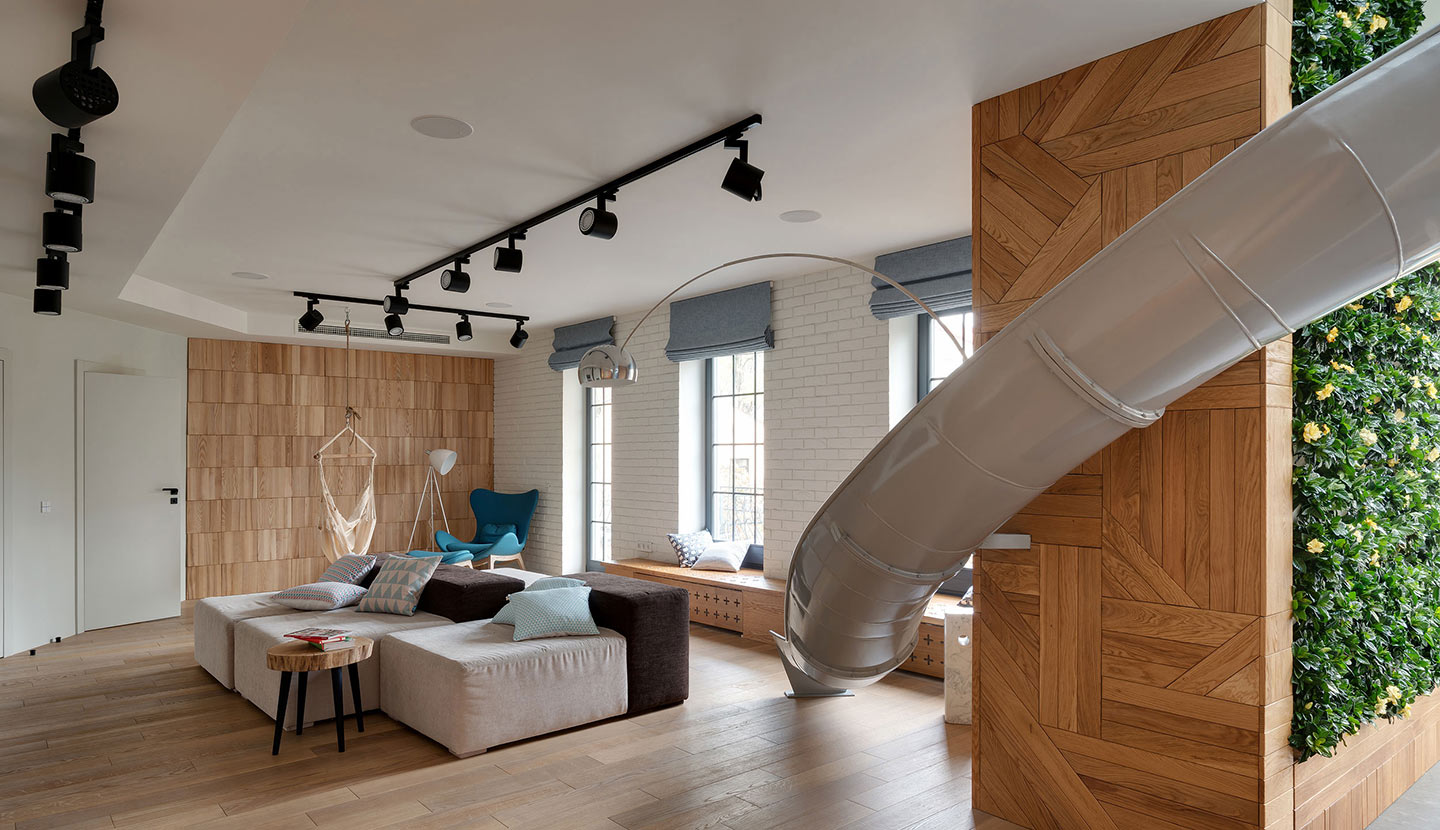
- Natural Textures: Think rattan, reclaimed wood, linen, or stone—perfect for rustic or biophilic interiors.
- Metallic & Reflective Surfaces: Adds elegance and modernity in both web and physical design.
- Layered Digital Textures: Used in UI/UX design, digital illustrations, or 3D environments to create immersive visuals.
- Matte Finishes: Understated yet classy, ideal for minimalist designs.
Texture in Interior Spaces: From Bland to Bold
Imagine walking into a monochrome room where everything is smooth and uniform—it may look clean, but it often feels lifeless. Now add a chunky knit throw on the sofa, a rustic wood coffee table, velvet pillows, and a tactile wall finish. These layered textures breathe life into the space, making it feel more human, lived-in, and welcoming. Texture helps tell the story of a space and invites people to interact with it more intimately.
- A knitted throw on the couch
- A grainy wood coffee table
- Velvet cushions
- A stone-effect wall
Suddenly, it’s no longer flat—it breathes. Each element invites touch and adds personality.
Using Texture in Digital Design
In the digital realm, texture works a bit differently. Because users can’t physically touch a screen, designers must simulate the feel through visual cues. Subtle shadows, gradients, and grain effects can create a sense of depth, realism, and hierarchy. For example, a card-style UI with drop shadows feels more clickable and interactive than a flat one. Thoughtful use of texture in digital design helps guide users through the interface and enhances the overall aesthetic appeal.
Have a Design Dilemma or Texture Question?
Our expert team is here to help smooth out the rough edges. Reach out today—we’re always happy to assist and bring clarity to your creative vision.
Contact Us Today- Create visual hierarchy
- Guide the user’s attention
- Give a sense of realism in 3D and product mockups
Examples:
- Soft shadows or gradients for faux depth
- Grain overlays in hero images
- Subtle paper or fabric effects in portfolio sites
Tips for Designers Working With Texture
Texture can be a powerful tool, but like any design element, it needs balance. Overusing textures can make a space or interface feel chaotic or cluttered. Pair rough with smooth, and shiny with matte, to strike a visual harmony. In physical design, consider how easy a surface is to clean or maintain. In digital work, make sure added textures don’t affect load time or accessibility. Texture should enhance the design—never distract from it.
- Balance it out – Don’t overload. Too many textures can clutter your design.
- Use contrast – Mix rough with smooth, shiny with matte.
- Think functionality – In physical design, some textures are high-maintenance.
- Test digitally – In UI/UX, test how texture affects readability and load times.
Texture is often the unsung hero of great design. It adds soul, evokes emotion, and connects the user to the experience—whether that’s a cozy reading nook or a sleek app interface.
So next time you’re designing, ask yourself:
What should this space feel like?
Let texture do the talking.